Mastering Hytale Building: Pro Techniques from Top Creators
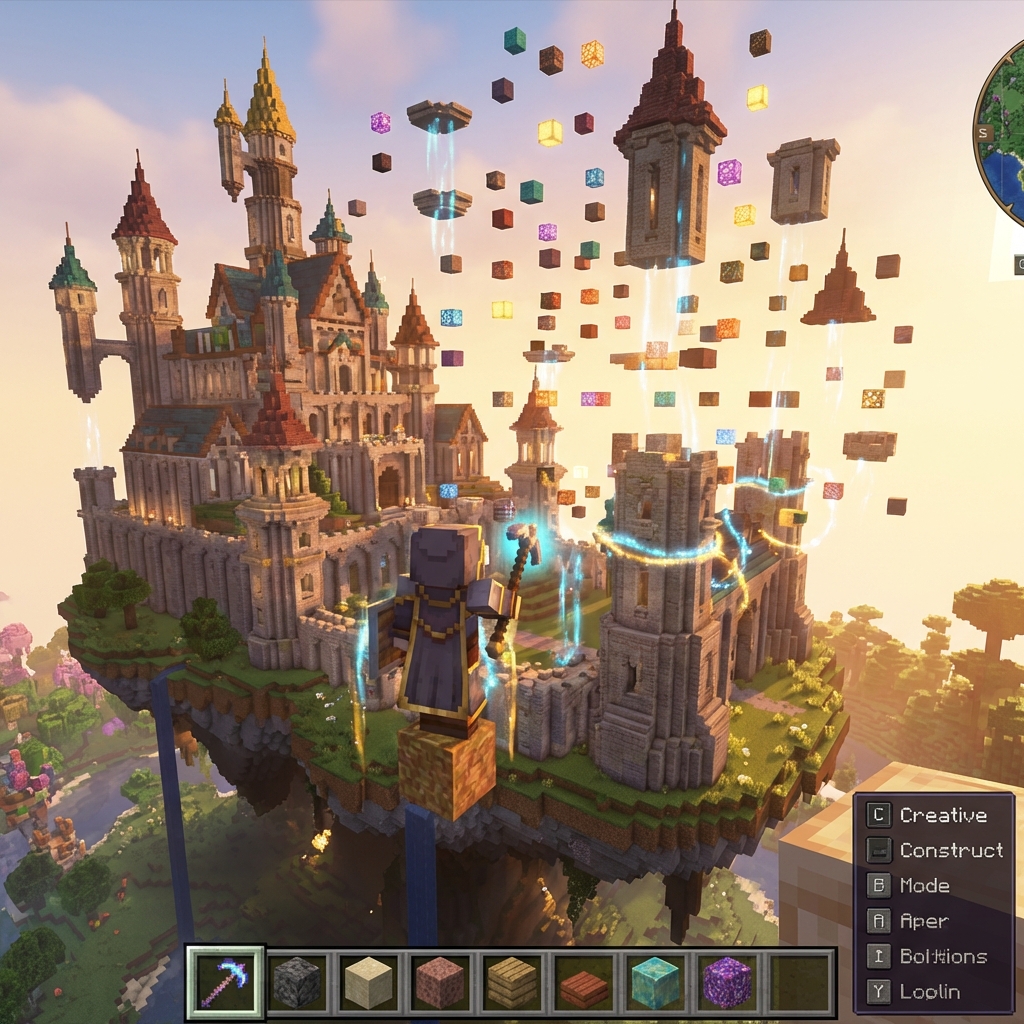
Hytale’s building system is already being praised as one of the most flexible ever created. Unlike other block games, Hytale allows for block rotation, connecting textures, and micro-blocks that open up incredible design possibilities.
Essential Techniques Every Builder Should Know
1. Block Rotation Mastery
Hold R while placing to access the rotation menu. This isn’t just cosmetic—rotated blocks can create:
- Angled rooftops without stair blocks
- Curved walls using strategic rotations
- Window frames with proper recessed glass
2. The Half-Block Trick
By combining chiseled blocks with standard ones, you can create:
- Smoother gradients on terrain
- More realistic furniture
- Intricate floor patterns
3. Lighting for Atmosphere
Hytale’s dynamic lighting system rewards thoughtful placement:
- Warm tones (lanterns, fireplaces) for cozy interiors
- Cool tones (crystal lamps) for magical builds
- Hidden lights behind glass blocks for ambient glow
Showcase: Community Masterpieces
Just three days in, the community has already produced stunning work:
The Floating Temple by @SkyArchitect
- 2,000+ blocks suspended in the sky
- Uses gravity-defying connector mechanics
Emerald Grove Castle by @MedievalMike
- Authentic medieval design with working drawbridge
- Features hidden redstone-like logic gates
Tools of the Trade
Make sure you’ve unlocked these building essentials:
- Precision Chisel - For micro-block work
- Blueprint Table - Save and share your designs
- Paint Brush - Recolor blocks without changing materials
Join the Community
Share your builds on the Hytale subreddit with the #HytaleBuild hashtag. The best ones might be featured on HytalePost!
Happy building!